Best Laser Engravers Under $1,000 (2026)
Serious engraving power without breaking the bank
Last updated: October 1, 2026 — Rankings update automatically.
How we rank
We evaluate build quality, cutting area, and laser power relative to price in the sub-$1000 market. These budget-conscious picks focus on desktop diode lasers that can handle wood, acrylic, and leather projects while offering upgrade paths as your skills grow.
Quick picks
Diode laser engravers under $1,000 cover a wide range, from a 2.5W unit with a 100mm x 100mm work area to a 22W machine with a rotary kit. The nine products on this page are ranked by BeamScore, and the top scores sit close together, in a range of 61 to 65. That means the score alone rarely settles the choice. What matters more is how you plan to use the machine.
All of these are diode lasers, and every listing here says they are aimed at thin materials rather than thick cutting. The practical differences come down to work area, optical power, safety features and how much setup you are willing to do. The sections below explain the trade-offs that separate a good fit from a frustrating purchase, using the products in the list as examples.
How to choose
Match work area to your projects
Work area varies far more than most buyers expect. The PL1 Plus Laser Unit offers 100mm x 100mm, and the Creality Falcon 5W lists an estimated 150mm x 150mm. The SCULPFUN S9, S9 Pro and S10 and the Ortur OLM3 all list roughly 400mm x 400mm or larger. If you plan to engrave signs, cutting boards or panels, a small bed will limit you quickly. For small personalization jobs like tags or ornaments, a compact unit may be enough. The Ortur F10 takes a different approach, with a 400mm-wide conveyor that suits long or repeated items.
Understand what wattage really means
Listed power ranges from 2.5W optical on the PL1 Plus to 22W on the Falcon2. Higher power generally means faster engraving and a better chance of cutting thin material. The SCULPFUN S10 lists 10W and cutting up to 20mm wood, while the 5W and 5.5W models are described as suited to thin materials. Note that manufacturers state power differently, such as optical output versus input, so compare the specific figure rather than assuming equal ratings. Also, every model here carries a cutting-thickness caveat, so check your target material first.
Weigh safety and enclosure needs
Most machines here list no enclosure, and several note that separate safety measures are required. The SCULPFUN S10 stands out with built-in laser shielding and an emergency stop button, though it still calls for proper ventilation and protective equipment. The Ortur OLM3 lists no built-in air assist, and the Falcon2 notes possible cleaning and maintenance needs. Plan to budget for laser safety glasses, ventilation and a safe work location in addition to the machine itself, especially in a shared home or small workshop.
Consider setup effort, software and extras
Software support is broadly similar, with LaserGRBL and LightBurn listed across most products. Setup is where they differ. The SCULPFUN S9 notes that assembly and calibration can be time-consuming for beginners, and the Ortur F10 lists complex setup plus conveyor alignment upkeep. The S9 Pro is described as having a pre-assembled frame and clear instructions. Connectivity also varies: the Falcon2 lists WiFi and USB, the Ortur OLM3 lists USB, WiFi and TF card, and most others are USB only. The Falcon2 also includes a rotary kit for cylindrical items like bottles.
Frequently asked questions
Can these engravers cut thick wood or metal?
Not reliably. Every product on this page lists limited cutting thickness compared with more powerful or CO2 machines. The SCULPFUN S10 lists cutting up to 20mm wood, while lower-powered units are described as best for thin materials. None of the listings claim metal cutting, so treat these as engraving-focused tools with light cutting ability.
Do I need an enclosure or extra safety gear?
Plan on it. Most models here have no included enclosure, and several notes recommend additional protective equipment and proper ventilation. The SCULPFUN S10 lists built-in laser shielding and an emergency stop, but still needs ventilation and safety gear. Laser safety glasses rated for your laser's wavelength and a ventilated workspace are sensible additions.
Is a higher-wattage laser always better?
Not always. More power can mean faster engraving and thin-material cutting, but it may cost more and does not fix small work areas or setup difficulty. The 5.5W SCULPFUN S9 scores 63 while the 10W models score 62, so match power to the materials and speed you actually need.
Which software will these machines work with?
Most list LaserGRBL and LightBurn support. The SCULPFUN S9 and S9 Pro also list Candle, the S10 lists LaserWeb, and the Falcon2 lists CrealityPrint. Since LightBurn is commonly listed, it is worth checking that your chosen model works with it before buying, especially if you want more advanced layout and control.
Full rankings
 SCULPFUN S9 5.5W Laser Engraver With 0.06mm Ultra-Fine Compressed Spot Desktop Diode Laser Engravers 88 $179.99 2
  Creality Falcon 5W CR-Laser Engraver and Cutter Desktop Diode Laser Engravers 85 $119.00 3
  SCULPFUN S9 Pro 10W Laser Engraving Machine Desktop Diode Laser Engravers 85 $229.99 4
  Falcon2 22W Laser Engraver and Cutter with Rotary Kit Desktop Diode Laser Engravers 85 $599.00 5
  SCULPFUN S10 10W Laser Engraver Machine Desktop Diode Laser Engravers 85 $269.99 6
  Ortur F10 Conveyor Laser Engraver & Cutter 10W/20W/40W Desktop Diode Laser Engravers 85 $399.00 7
  Creality Falcon 10W CR-Laser Engraver and Cutter Desktop Diode Laser Engravers 85 $205.00 8
  Sculpfun C1 Mini 3W Portable Laser Engraver + RA Mini Roller Set for Curved Surface Engraving Desktop Diode Laser Engravers 85 $169.00 9
  Sculpfun C1 6W Mini Portable Laser Engraver Ultra Fine Spot 150*130mm Engraving Area Desktop Diode Laser Engravers 85 $149.00 10
 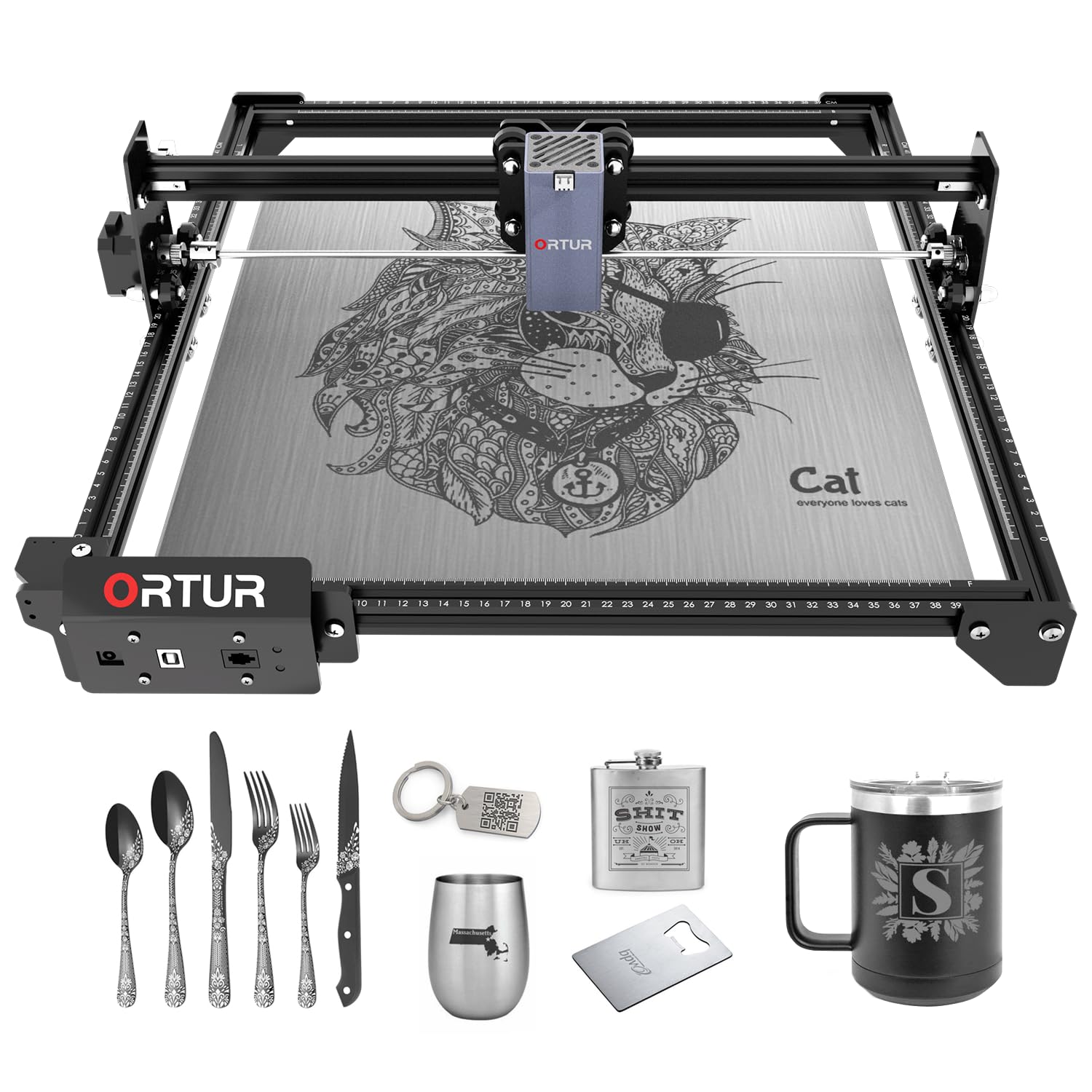 Ortur Laser Master 2 S2 Class 4 Laser Engraver with Desktop Diode Laser Engravers 85 $209.99 11
  Falcon 10W CR-Laser Engraver and Cutter All in One Kit Desktop Diode Laser Engravers 82 $219.00 12
 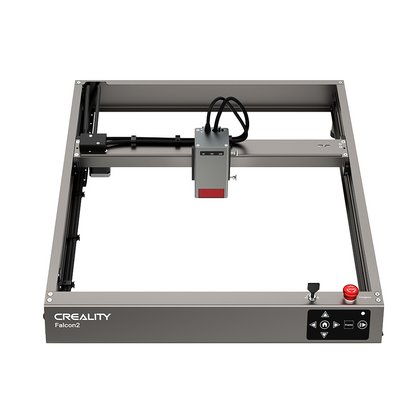 Falcon2 22W Laser Engraver and Cutter Desktop Diode Laser Engravers 82 $549.00 13
  Ortur H10 Laser Engraving & Cutting Machine Desktop Diode Laser Engravers 82 $359.99 14
 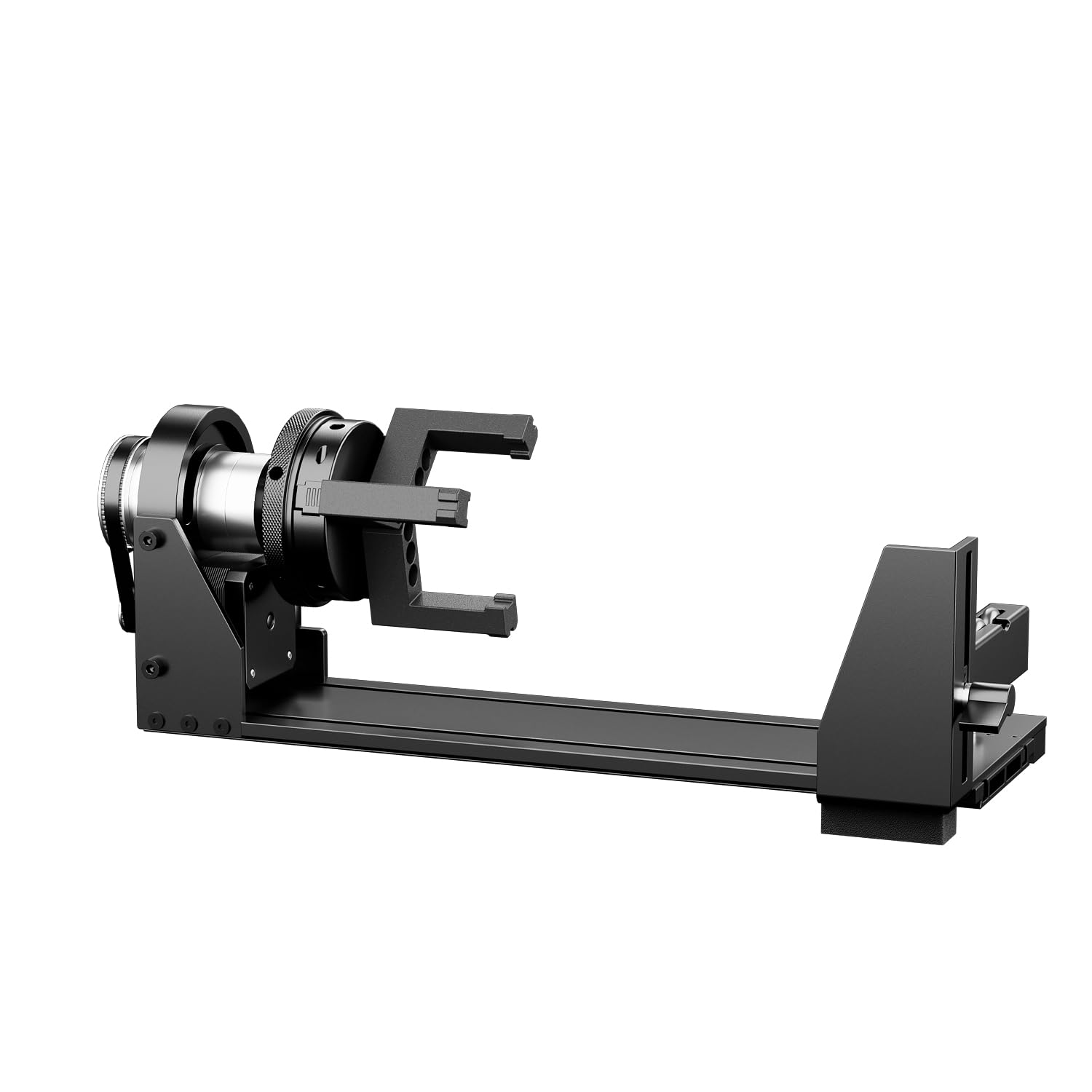 Longer Rotary Chuck for Laser Engraver Desktop Diode Laser Engravers 82 $159.99 15
  LaserPecker LP2 - Classic Handheld Diode Laser Engraver Desktop Diode Laser Engravers 80 $599.00 16
  Sculpfun iCube Pro Max 10W Portable Laser Engraving Machine Desktop Diode Laser Engravers 80 $259.99 17
  SCULPFUN S30 Pro Max: 20W Laser Engraving and Cutting Machine Desktop Diode Laser Engravers 80 $599.99 18
  Sculpfun C1 Mini Portable Laser Engraver Desktop Diode Laser Engravers 80 $99.00 19
  Falcon 5W CR-Laser Falcon Engraver Upgrade Package Desktop Diode Laser Engravers 78 $169.00 20
  iKier K1 Pro Max 48W Laser Engraver Desktop Diode Laser Engravers 78 $749.00 21
  AtomStack X12 PRO Laser Engraver Desktop Diode Laser Engravers 78 $299.00 22
  SCULPFUN E1 Enclosed Dual Laser Engraving Machine Desktop Diode Laser Engravers 78 $499.00 23
  ORTUR R1 Portable Laser Engraver - Compact, Easy to Carry for DIY Projects, Home & Beginners Desktop Diode Laser Engravers 75 $229.00 24 Sculpfun C1 3W Mini Portable Laser Engraver Desktop Diode Laser Engravers 75 $99.00 25
  ORTUR R2 Smart Laser Engraver | As Simple as Your First Smartphone (One-Tap Control) Desktop Diode Laser Engravers 75 $459.00 26
  SCULPFUN iCube Pro 5W Portable Laser Engraving Machine Desktop Diode Laser Engravers 75 $169.99 27
  Falcon2 40W Laser Engraver and Cutter Desktop Diode Laser Engravers 75 $639.00 28
 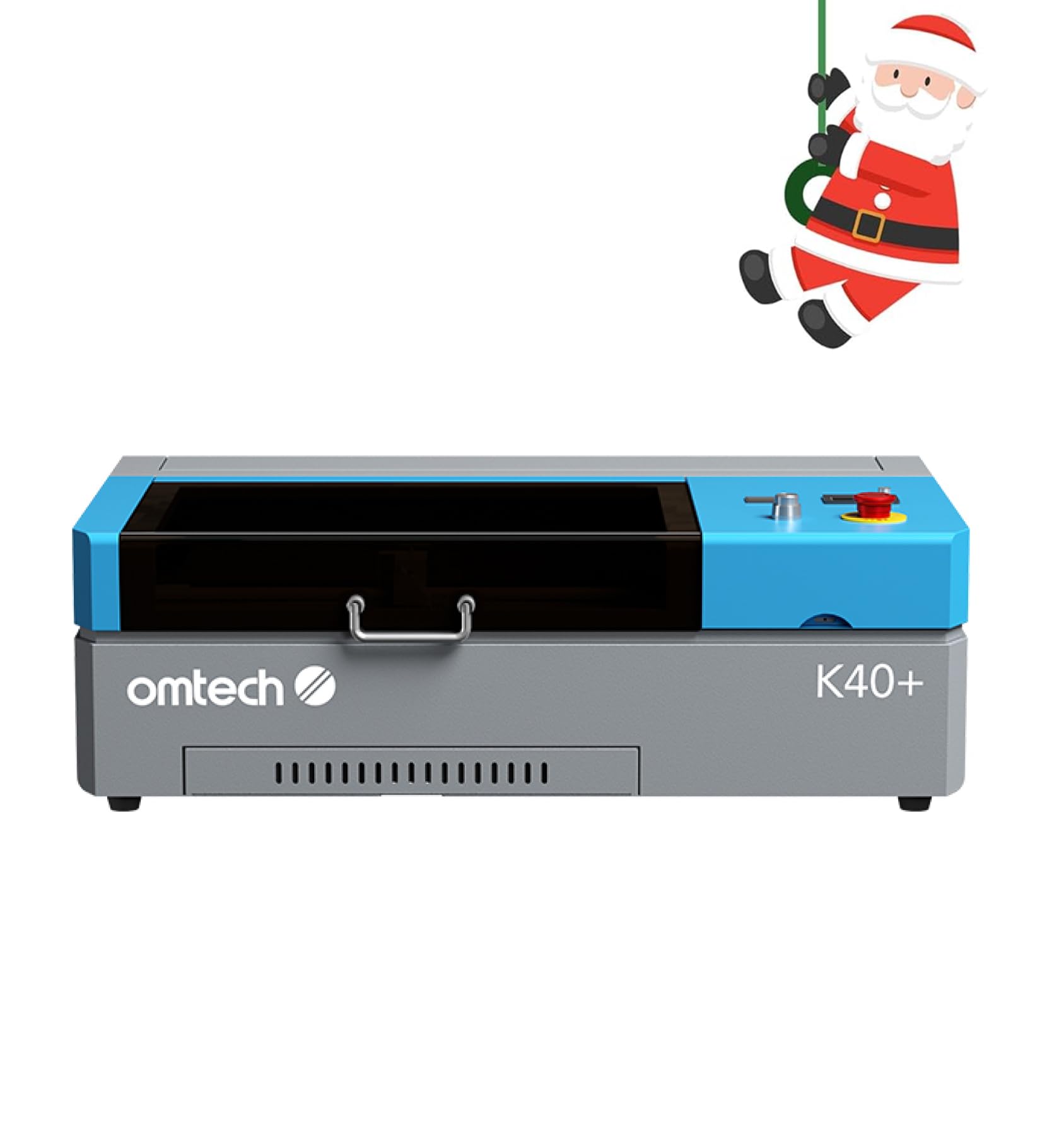 OMTech 45W CO2 Laser Engraver with LightBurn, 12"x8 Desktop Diode Laser Engravers 75 $699.99 29
  SCULPFUN S30 Ultra 33W Laser Engraving and Cutting Machine Desktop Diode Laser Engravers 72 $769.99 30
  xTool 1064nm Infrared Laser Module Desktop Diode Laser Engravers 72 $499.00 31
  LaserPecker LP2 Plus 10W Desktop Laser Engraver & Cutter Desktop Diode Laser Engravers 72 $859.00 32
  AtomStack P1 Laser Engraver Desktop Diode Laser Engravers 72 $219.00 33
  SCULPFUN E1 Pro Enclosed Dual Laser Engraving Machine Desktop Diode Laser Engravers 72 $849.00 34
 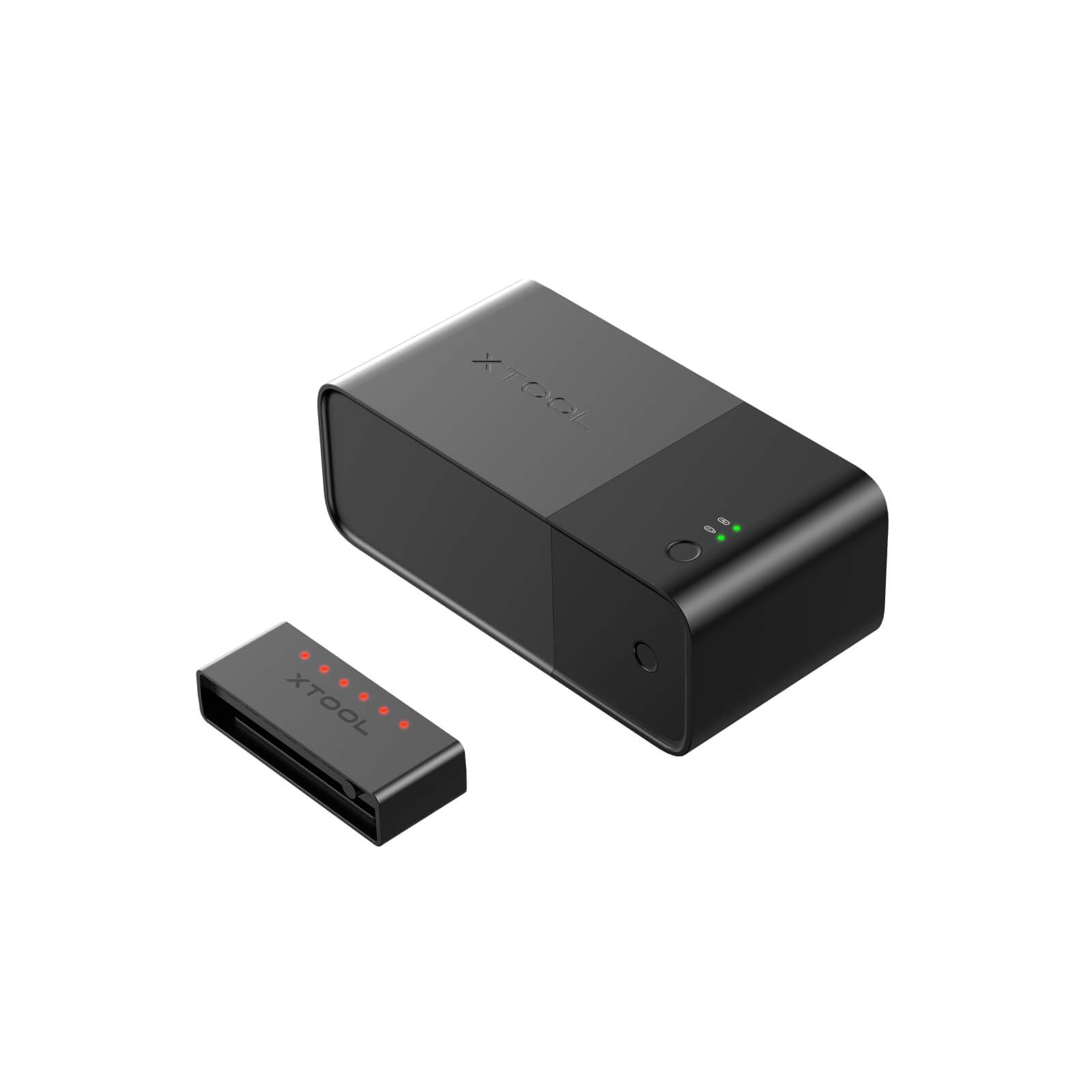 xTool Fire Safety Set for Desktop Laser Desktop Diode Laser Engravers 72 $169.00 35
  xTool M2 Color Craft Laser CO2 Laser Cutters 72 $599.00 36
  AtomStack A20 Pro 1064nm 20W Fiber Laser Marking And Engraving Machine Desktop Diode Laser Engravers 70 $889.00 37
  iKier K1 Ultra 36W Laser Engraver Desktop Diode Laser Engravers 70 $939.00 38
  LaserPecker LP1 Plus - The Easiest Pocket Laser for Maximum Fun Desktop Diode Laser Engravers 70 $219.00 39
  SCULPFUN iCube 3W Portable Laser Engraving Machine Desktop Diode Laser Engravers 65 $159.99 40
  Falcon2 22W Laser Engraver and Cutter Protection Kit Desktop Diode Laser Engravers 45 $919.00
 Detailed view
SCULPFUN S9 5.5W Laser Engraver With 0.06mm Ultra-Fine Compressed Spot
Creality Falcon 5W CR-Laser Engraver and Cutter
SCULPFUN S9 Pro 10W Laser Engraving Machine
Falcon2 22W Laser Engraver and Cutter with Rotary Kit
SCULPFUN S10 10W Laser Engraver Machine
Ortur F10 Conveyor Laser Engraver & Cutter 10W/20W/40W
Creality Falcon 10W CR-Laser Engraver and Cutter
Sculpfun C1 Mini 3W Portable Laser Engraver + RA Mini Roller Set for Curved Surface Engraving
Sculpfun C1 6W Mini Portable Laser Engraver Ultra Fine Spot 150*130mm Engraving Area
Ortur Laser Master 2 S2 Class 4 Laser Engraver with
Falcon 10W CR-Laser Engraver and Cutter All in One Kit
Falcon2 22W Laser Engraver and Cutter
Ortur H10 Laser Engraving & Cutting Machine
Longer Rotary Chuck for Laser Engraver
LaserPecker LP2 - Classic Handheld Diode Laser Engraver
Sculpfun iCube Pro Max 10W Portable Laser Engraving Machine
SCULPFUN S30 Pro Max: 20W Laser Engraving and Cutting Machine
Sculpfun C1 Mini Portable Laser Engraver
Falcon 5W CR-Laser Falcon Engraver Upgrade Package
iKier K1 Pro Max 48W Laser Engraver
AtomStack X12 PRO Laser Engraver
SCULPFUN E1 Enclosed Dual Laser Engraving Machine
ORTUR R1 Portable Laser Engraver - Compact, Easy to Carry for DIY Projects, Home & Beginners
Sculpfun C1 3W Mini Portable Laser Engraver
ORTUR R2 Smart Laser Engraver | As Simple as Your First Smartphone (One-Tap Control)
SCULPFUN iCube Pro 5W Portable Laser Engraving Machine
Falcon2 40W Laser Engraver and Cutter
OMTech 45W CO2 Laser Engraver with LightBurn, 12"x8
SCULPFUN S30 Ultra 33W Laser Engraving and Cutting Machine
xTool 1064nm Infrared Laser Module
LaserPecker LP2 Plus 10W Desktop Laser Engraver & Cutter
AtomStack P1 Laser Engraver
SCULPFUN E1 Pro Enclosed Dual Laser Engraving Machine
xTool Fire Safety Set for Desktop Laser
xTool M2 Color Craft Laser
AtomStack A20 Pro 1064nm 20W Fiber Laser Marking And Engraving Machine
iKier K1 Ultra 36W Laser Engraver
LaserPecker LP1 Plus - The Easiest Pocket Laser for Maximum Fun
SCULPFUN iCube 3W Portable Laser Engraving Machine
Falcon2 22W Laser Engraver and Cutter Protection Kit
As an Amazon Associate, we earn from qualifying purchases. This site may earn affiliate commissions from links to products, at no extra cost to you.